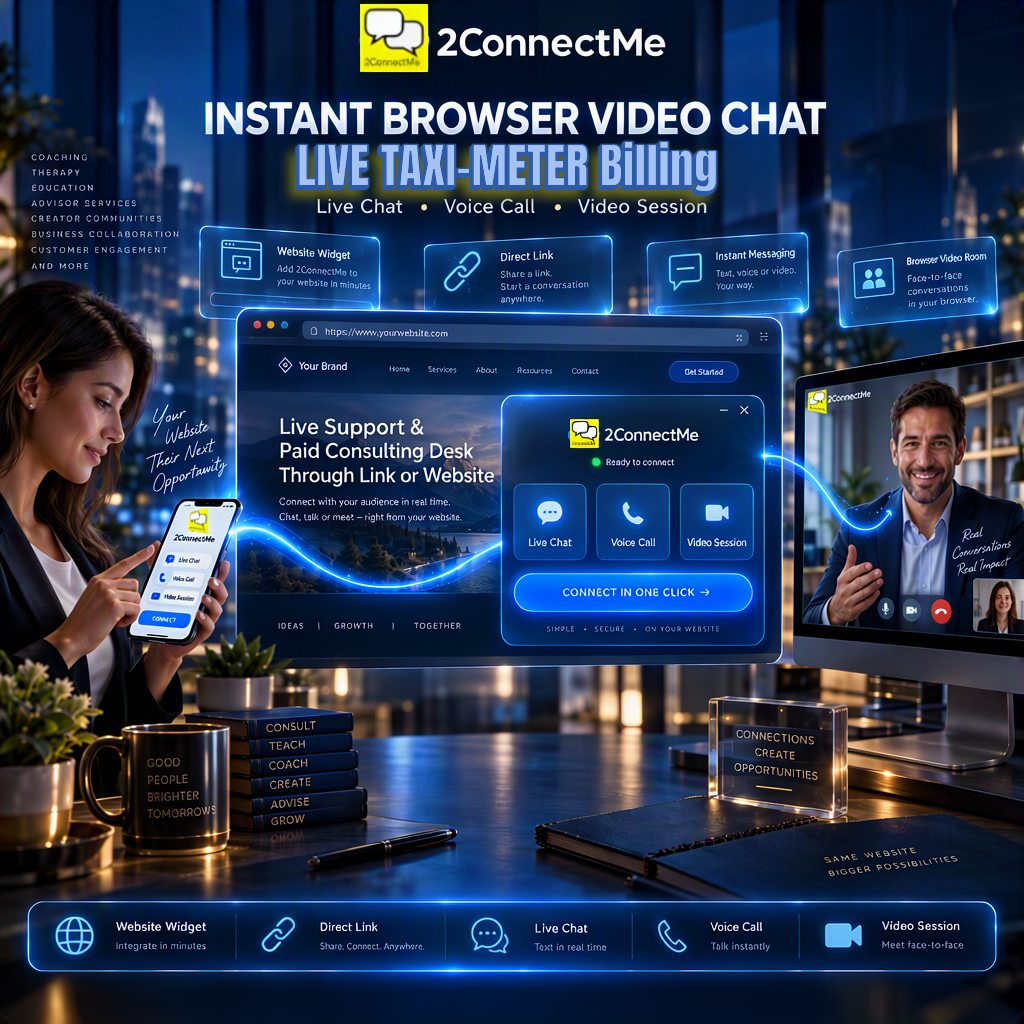
Launch instant browser chat, video calls, and remote desktop control in 2 minutes. Embed a widget on your website or share a direct link in your YouTube bio—with free support or automatic per-minute Stripe billing.
One-Click Browser Entry—Via Link or Website
Visitors never need to create an account or download an app. Embed our widget on WordPress or any web page in 2 minutes or paste your direct chat link into your YouTube, TikTok, or email bio.
- All-in-One Room: Switch seamlessly between text chat, voice, HD video, and screen sharing in one browser window.
- Reply From Anywhere: Get instant push notifications and answer clients from Windows, Mac, iOS, Android, or any web browser.
- White Label – Your Brand: Customize colors, logos, and chat buttons so clients stay on your domain.
- Enterprise-Grade Encryption: Built with end-to-end encryption to support US HIPAA and Hong Kong PDPO compliance.
Free Support or Automated Per-Minute Billing—You Choose
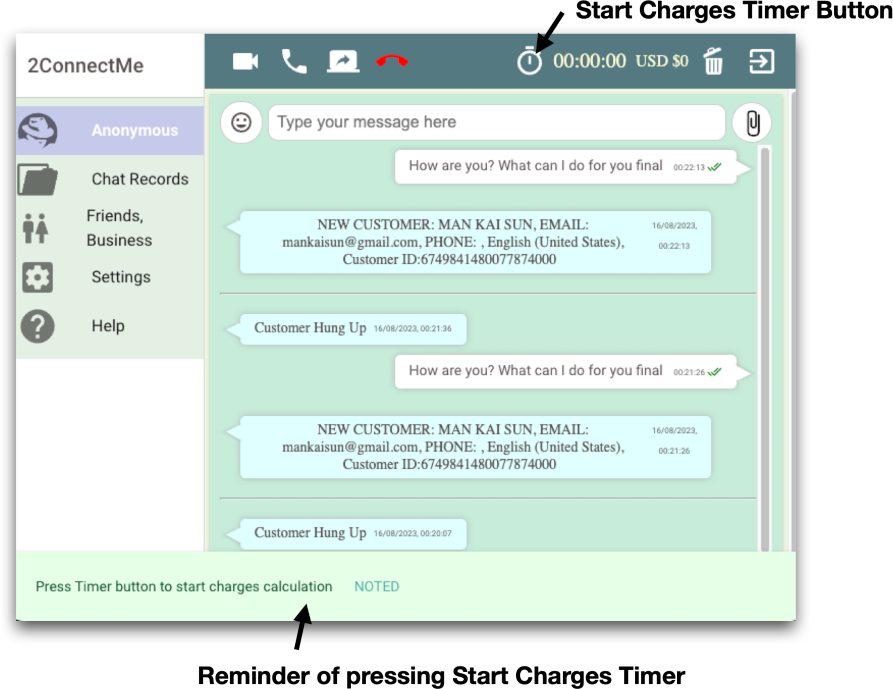
Run standard customer support for free, or switch on our automatic Stripe “taxi-meter” whenever you want to charge for consultations, readings, or priority troubleshooting.
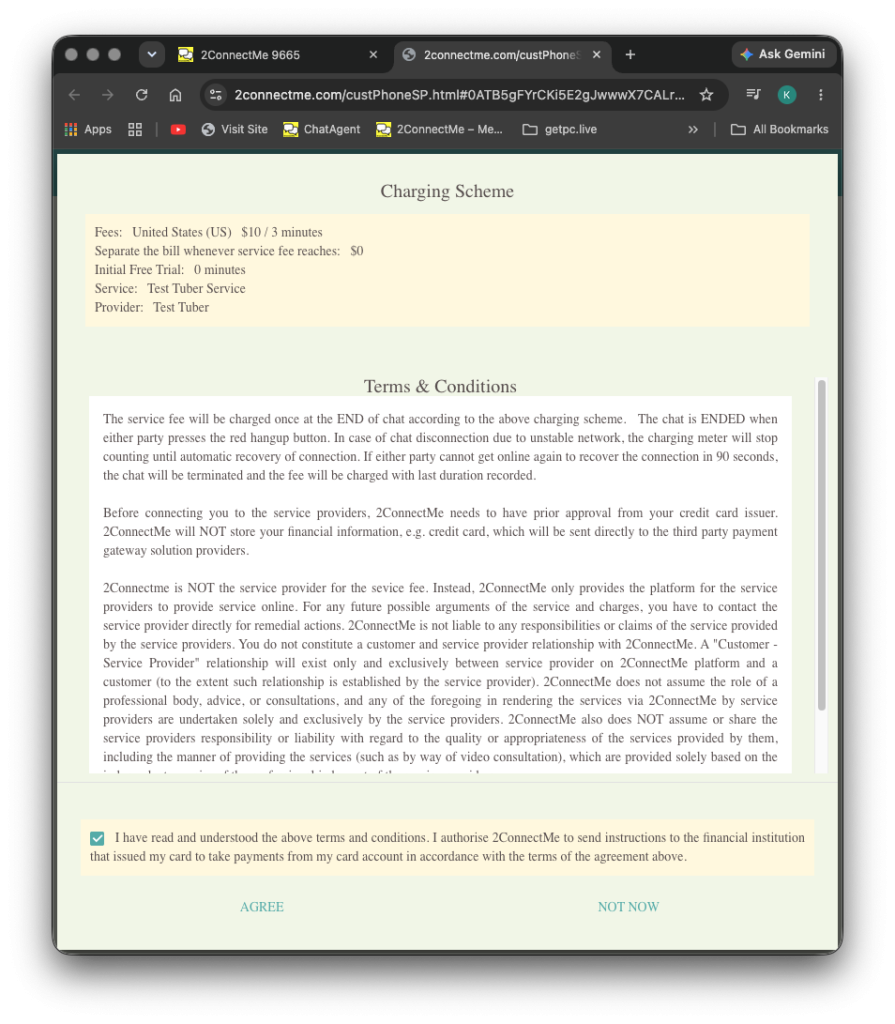
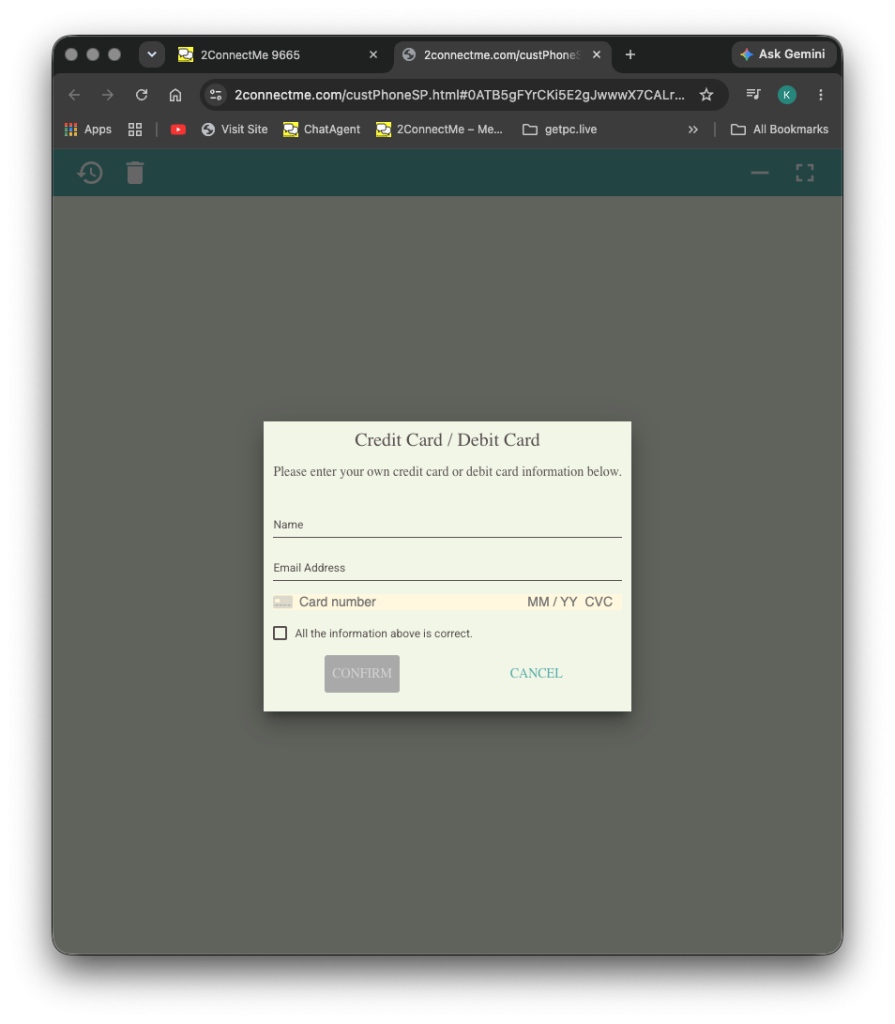
- Upfront Card Pre-Authorization: Clients verify their card via Stripe before connecting—eliminating fake requests and unpaid invoices.
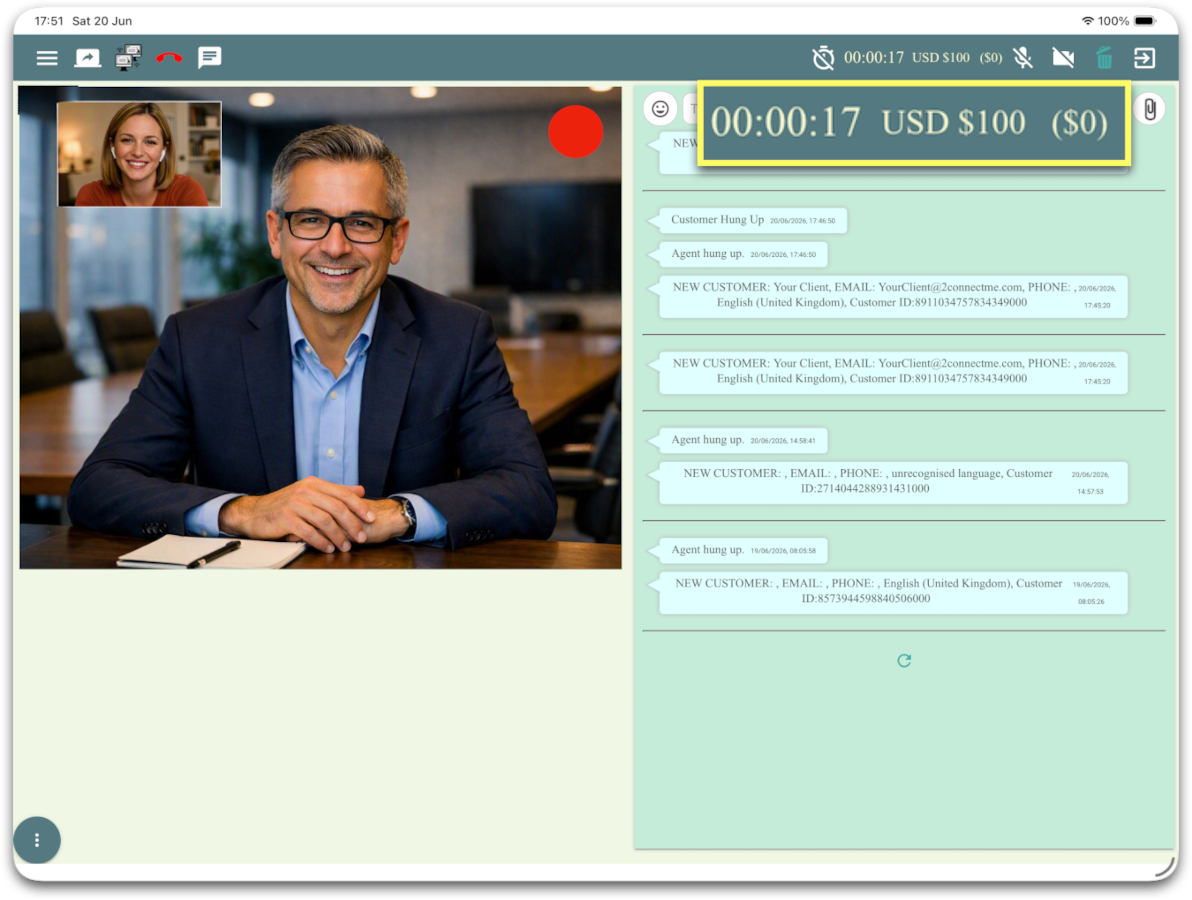
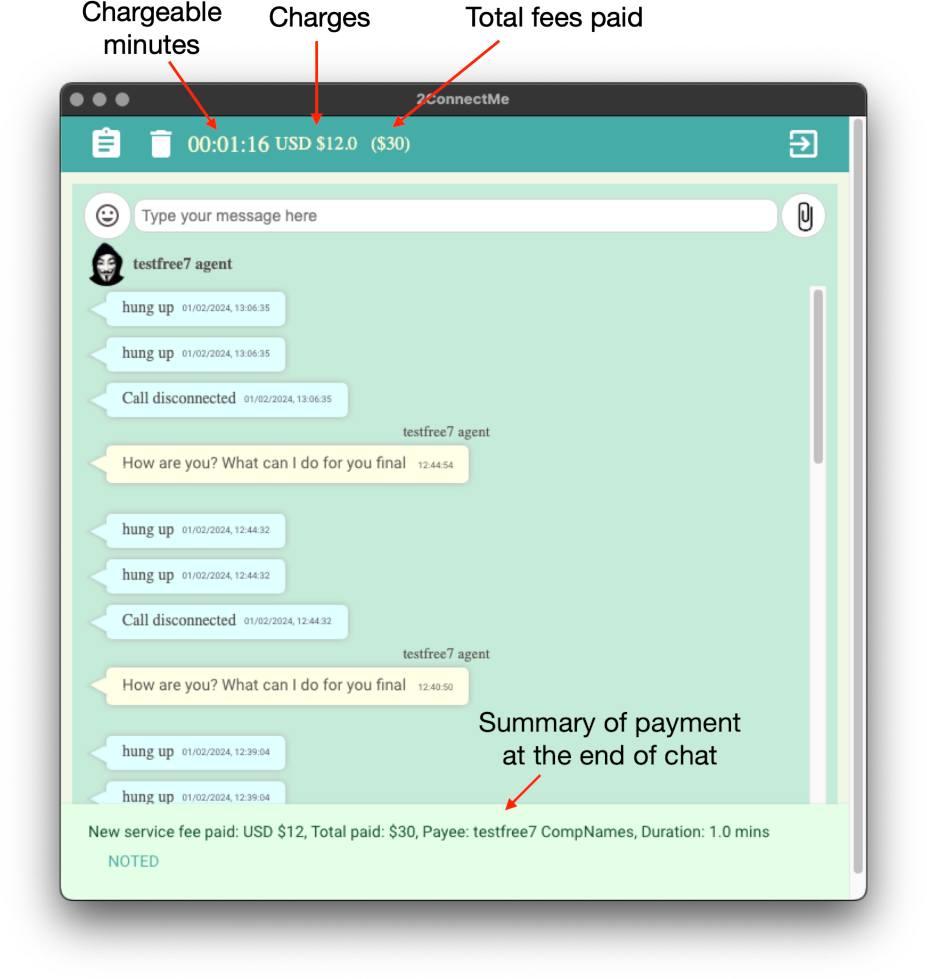
- Real-Time Cost Counter: Show an optional live timer and fee counter during paid sessions for total transparency.
- Instant Payouts on Hang-Up: Fees calculate to the second and settle automatically to your Stripe account the moment a call ends.
Full Remote PC Control & Dispute-Proof Recording
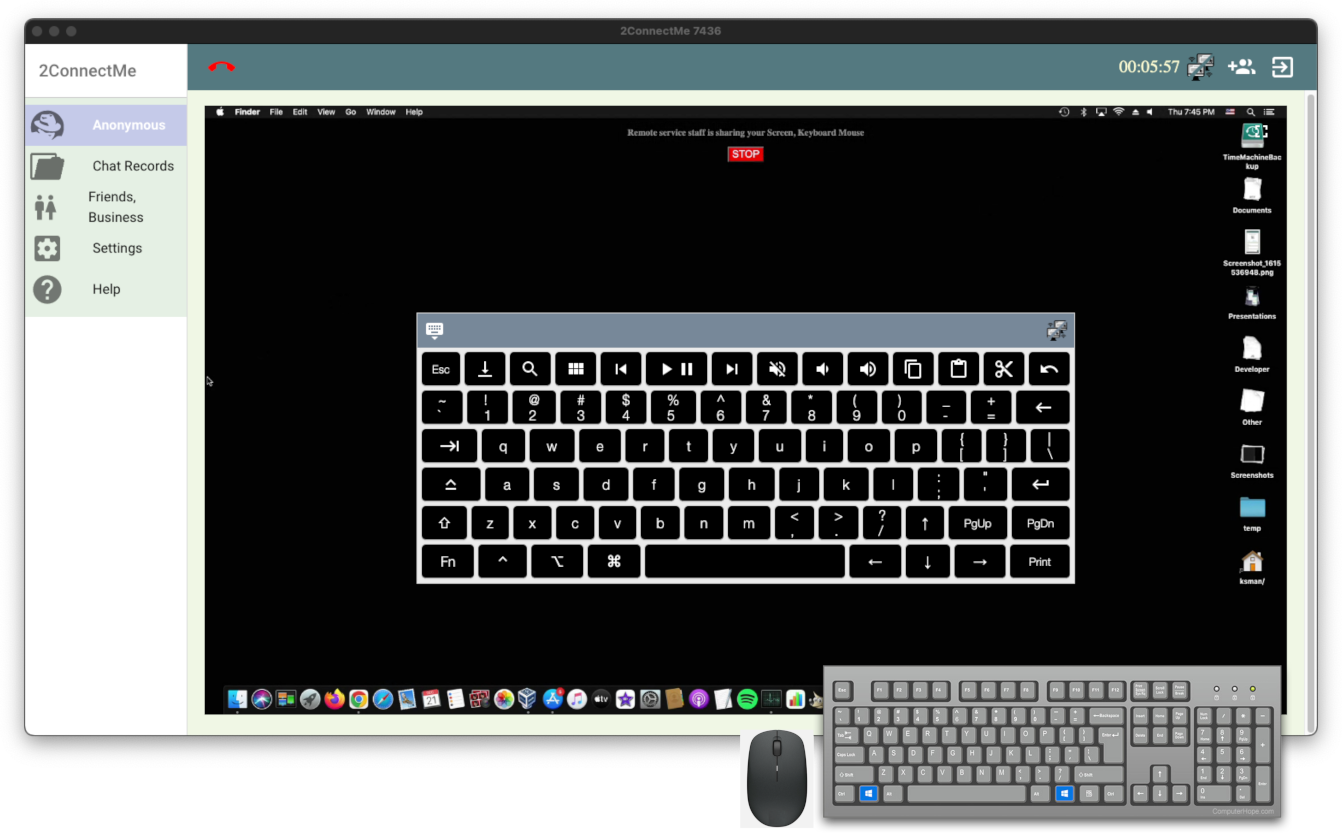
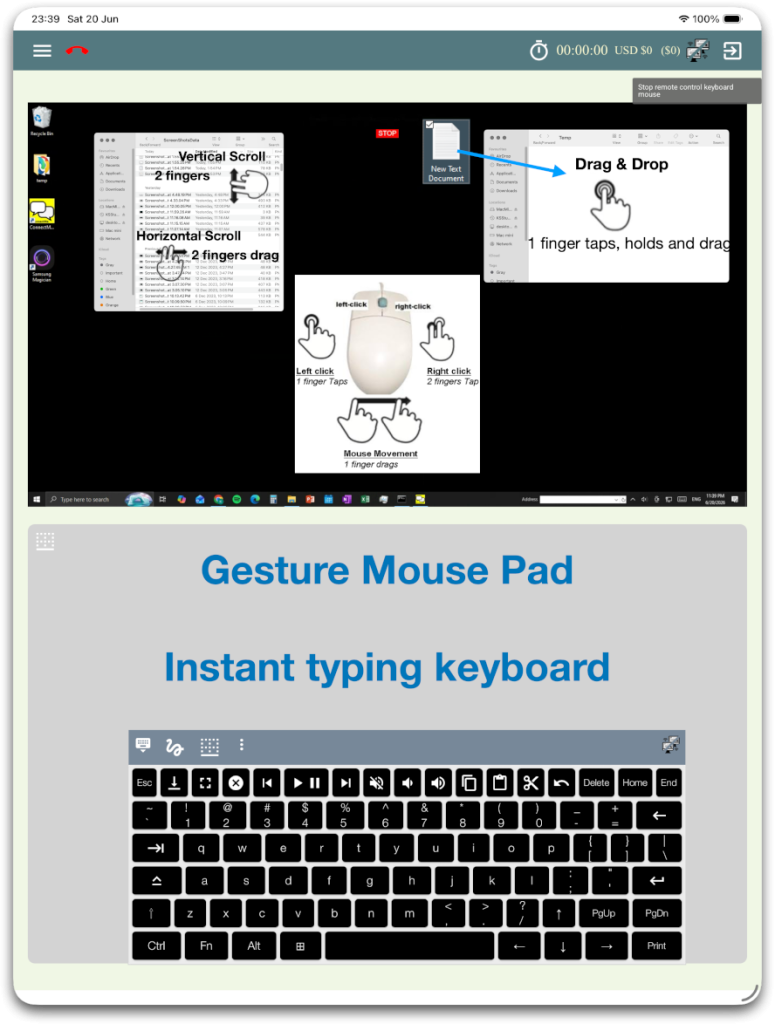
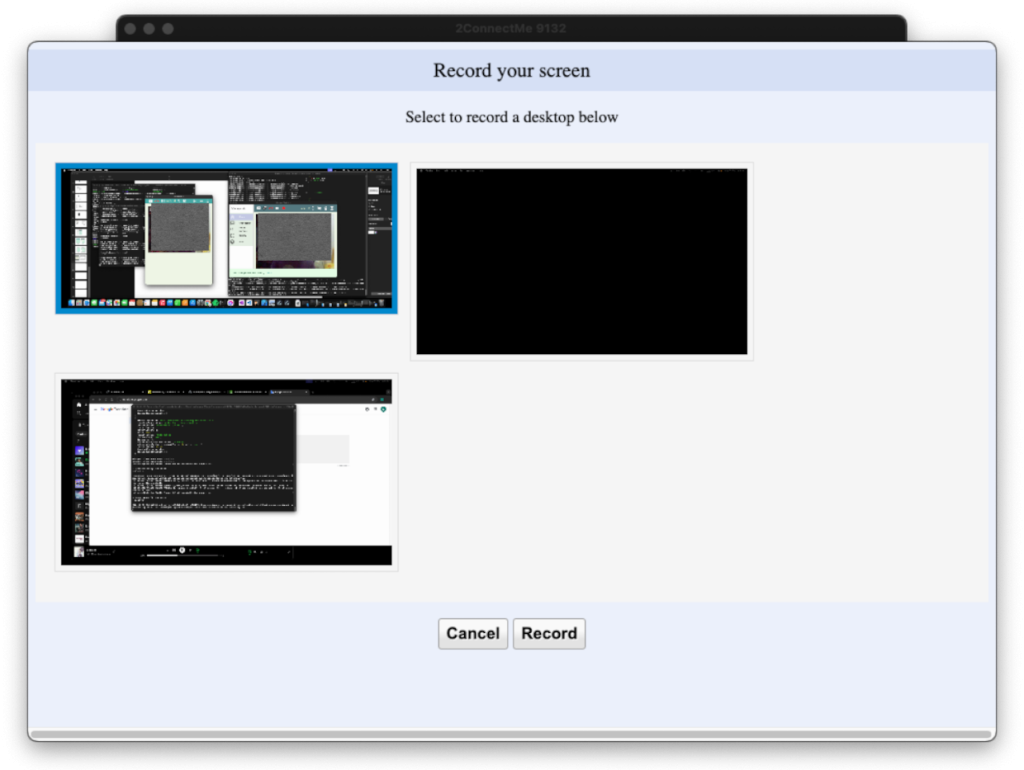
Go beyond basic video calls when your work requires hands-on technical fixes or compliance records. Take remote desktop control or record sessions with a single click.
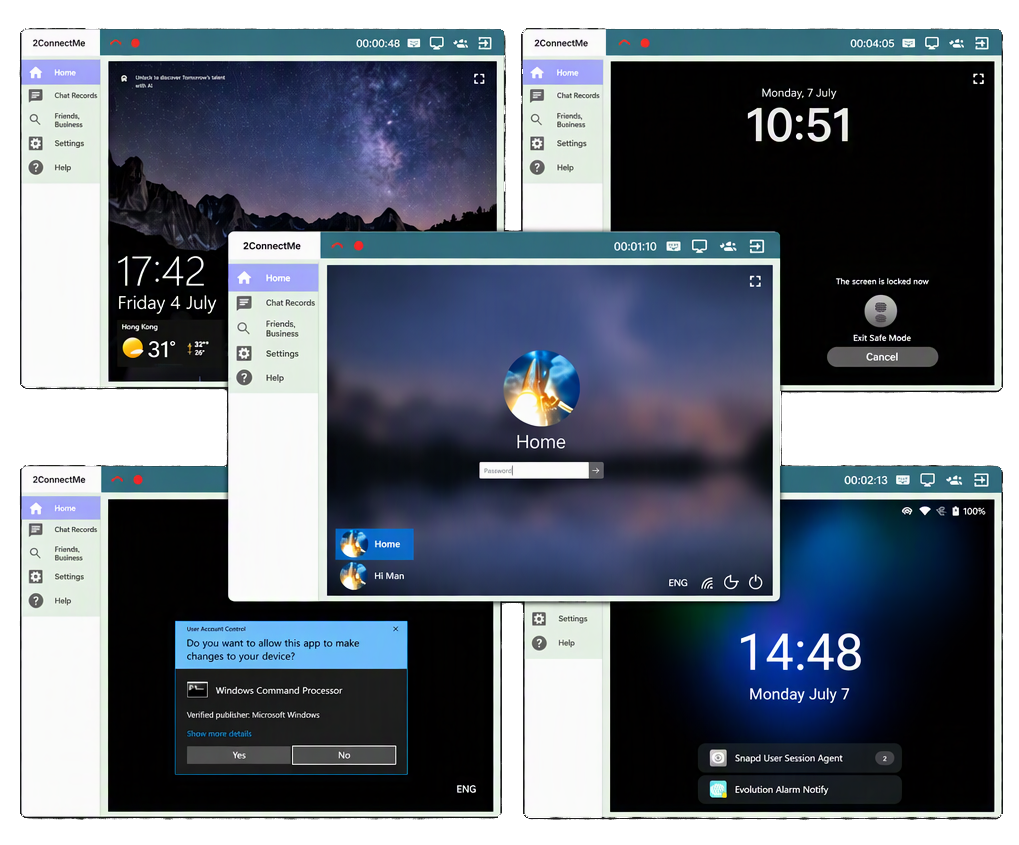
- Windows UAC & Login Screen Control: With the 2ConnectMe Video Consult Guest app, technicians control Windows UAC prompts, lock screens, macOS/Ubuntu login screens, and multi-monitor setups—even in Unattended Mode.
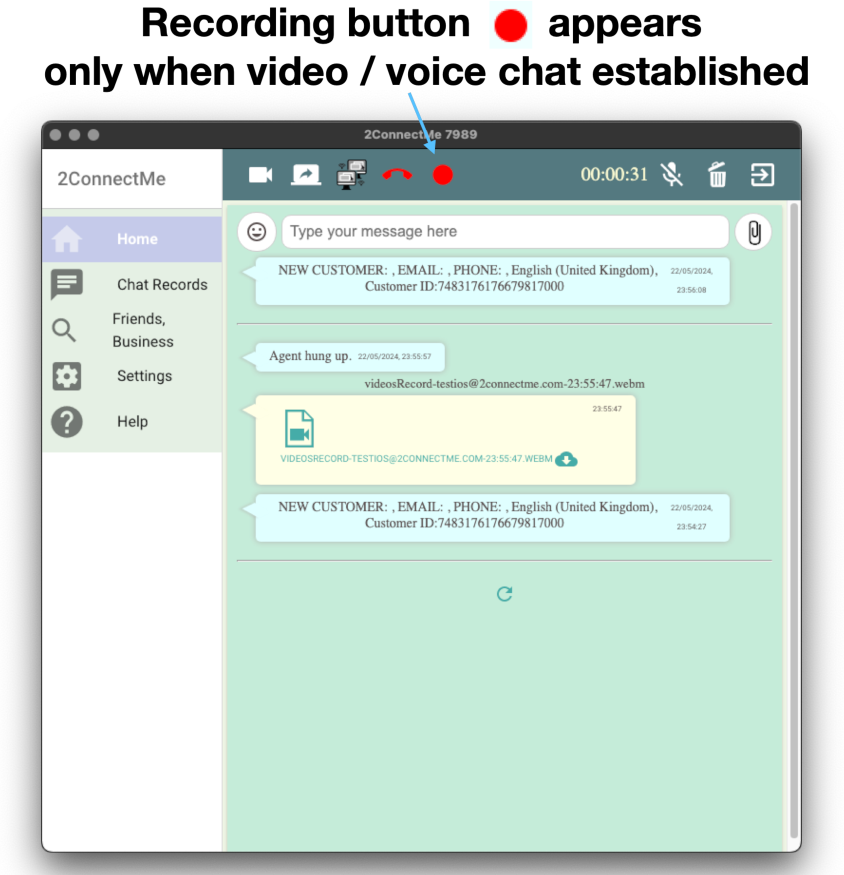
- HD Screen & Voice Recording: Capture full session playback to resolve chargeback disputes, train staff, or deliver downloadable recordings.