2ConnectMe Paid Video Consult Suite with Live Chat, Video Consulting and Automatic Billing tranforms professional consulting and customer support into an online service revenue generator.
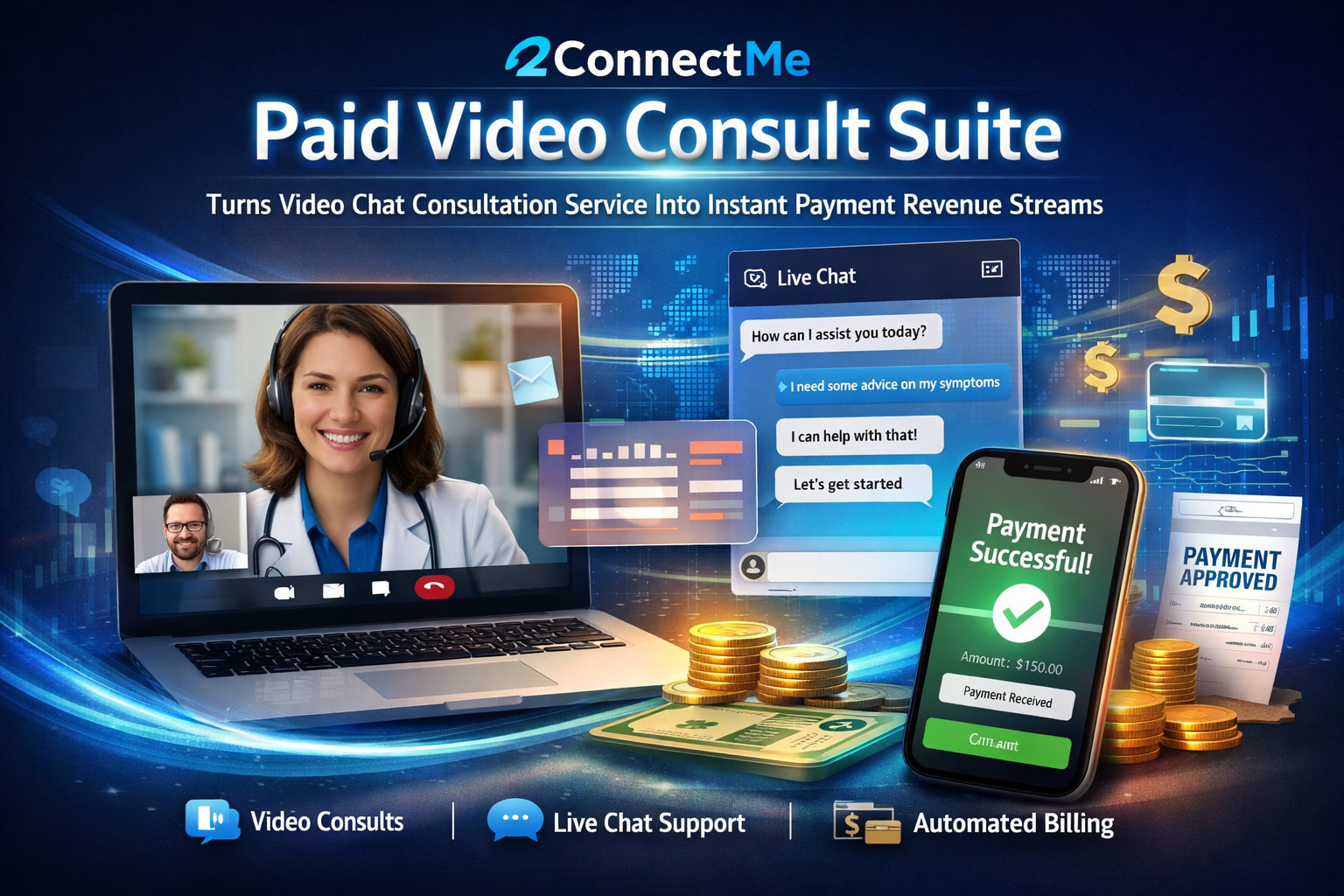
2ConnectMe Paid Video Consult Screen
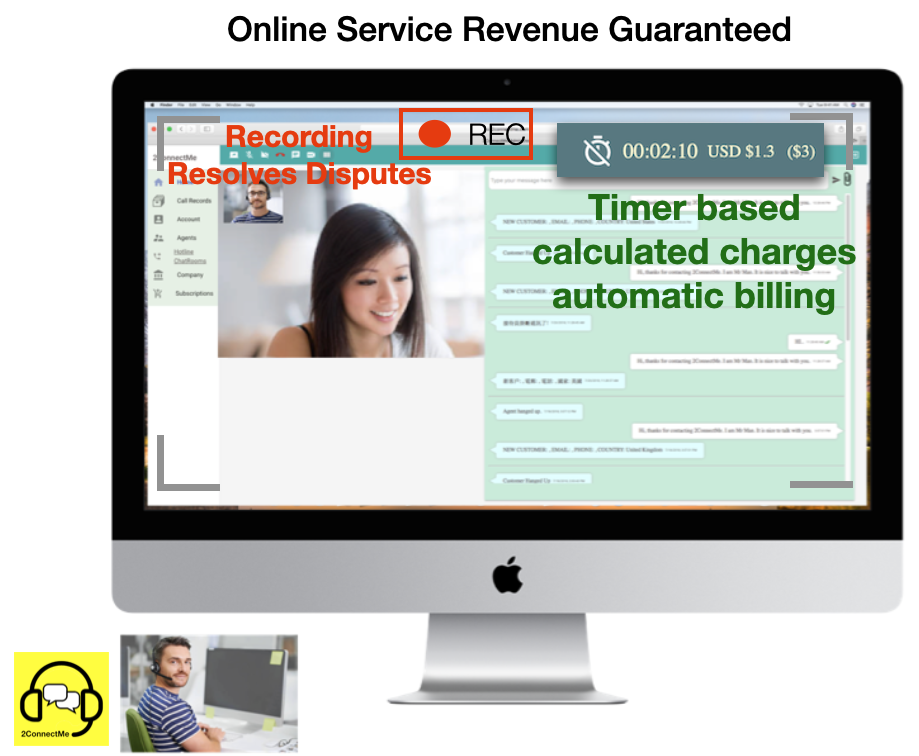
No worries about billing customer
The timer based charges are calculated and billed automatically at the end of each chat.
Video chat recording resolves charges dispute
The video chat can be optionally recorded as orginal sources to resolve any future disputes.
How 2ConnectMe Monetizes Your Online Service Business
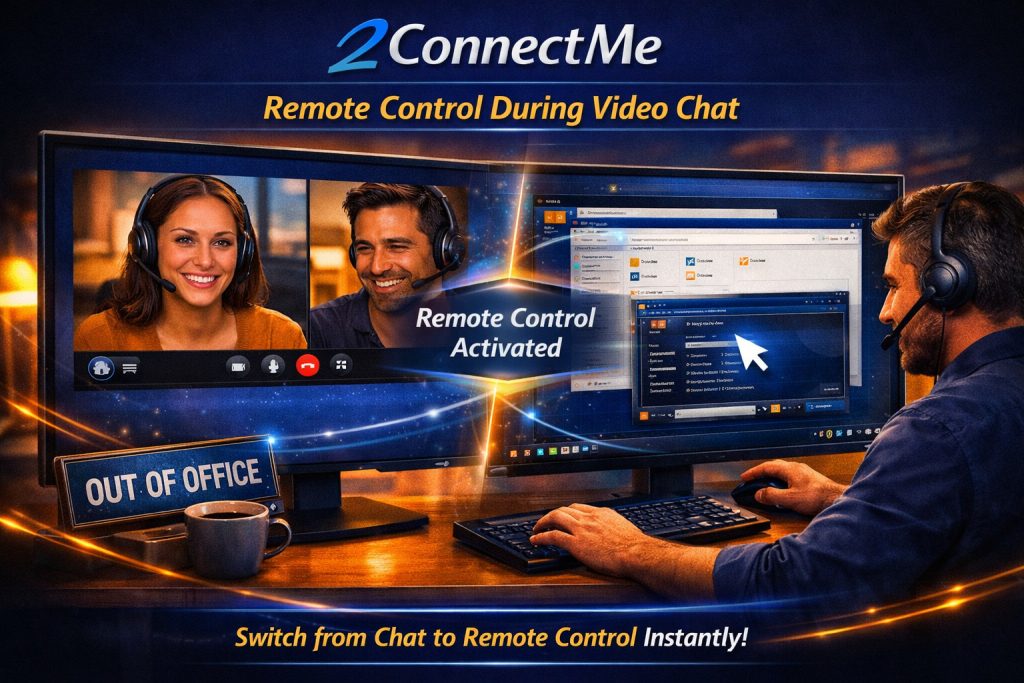
Remote Control Your Client PC
Screen of seamlessly switching between video chat and remote contron PC
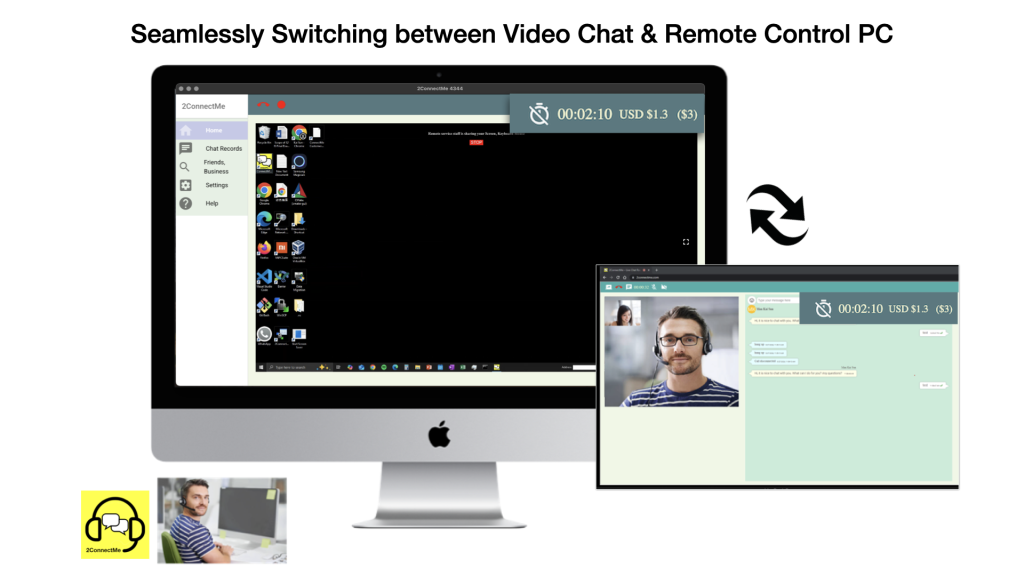
Seamless experience in remote control client PC during video chat
Service staff switches to remotely control client PC at any time during the video chat.
Unattended Mode of remote control
Client can leave his own PC at “Unattended Mode” to let service staff to access at any time WITHOUT sitting in front of PC.
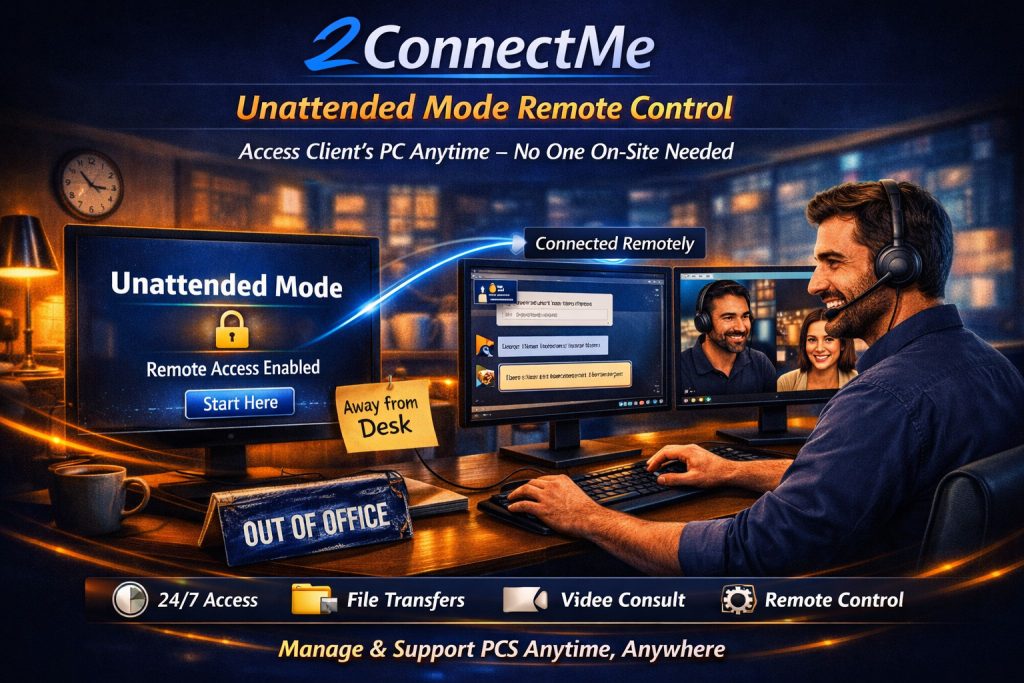
Video illustrating remote control of PC at unattended access mode
Controls Any Remote Desktops at Any Time Anywhere
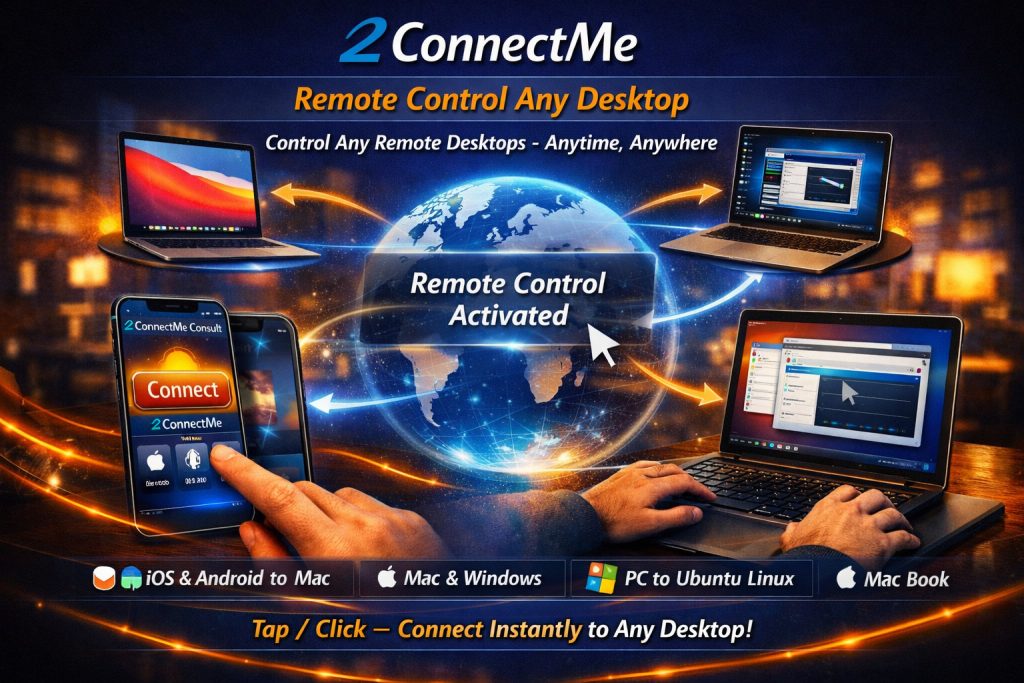
Just a simple Tap / Click to connect to your “ConnectMe Video Consult Guest” on remote client desktops from “2ConnectMe Paid Video Consult” on service staff mobile devices and desktops.
2ConnectMe Video Consult Suite Connect Desktop any time anywhere
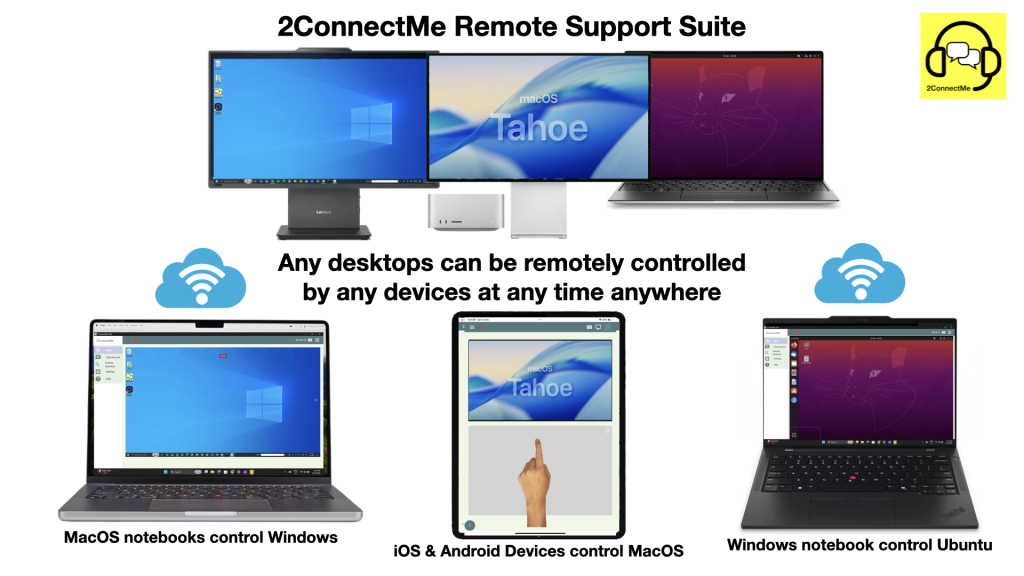
2ConnectMe Paid Video Consult app (Mac) remotely controlling ConnectMe Video Consult Guest app on Client desktop (Mac)
Unmatched Remote Support Capabilities in Logon Screens and UAC prompts of Windows
The ConnectMe Video Consult Guest app redefines remote assistance by enabling support teams to take control even during User Account Control (UAC) prompts of Windows, Logon Screens, and even screen saver being displayed on Mac and Ubuntu.—eliminating common roadblocks that disrupt troubleshooting. With seamless, secure access at every system stage, technicians can resolve issues faster, reduce downtime, and deliver uninterrupted support.
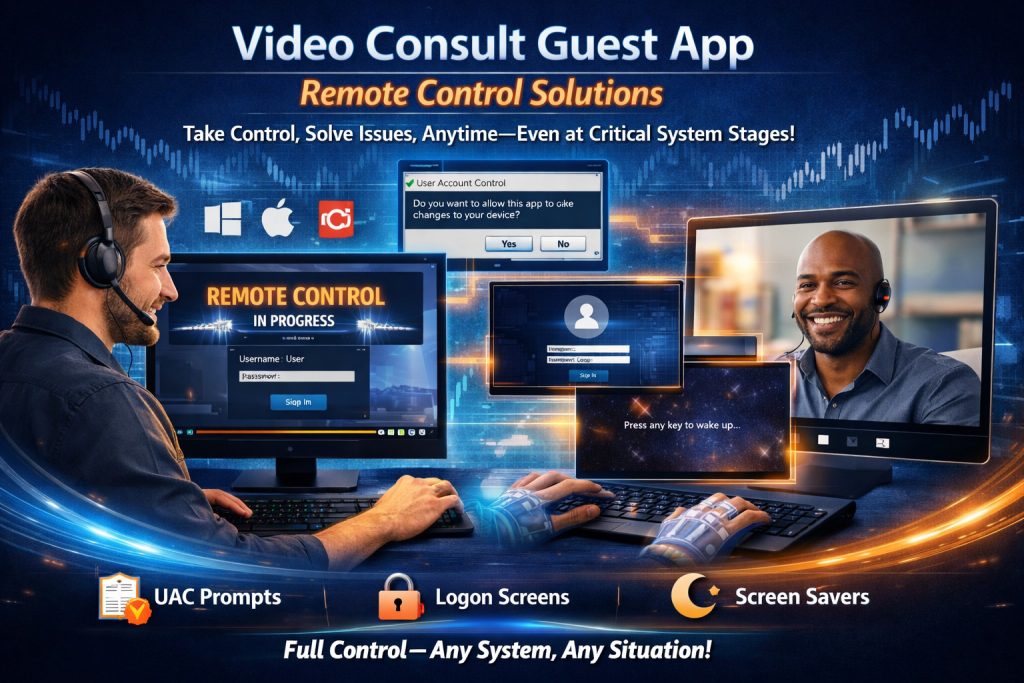
2ConnectMe Paid Video Consult app remotely types on the Logon Screen fo client PC@Windows
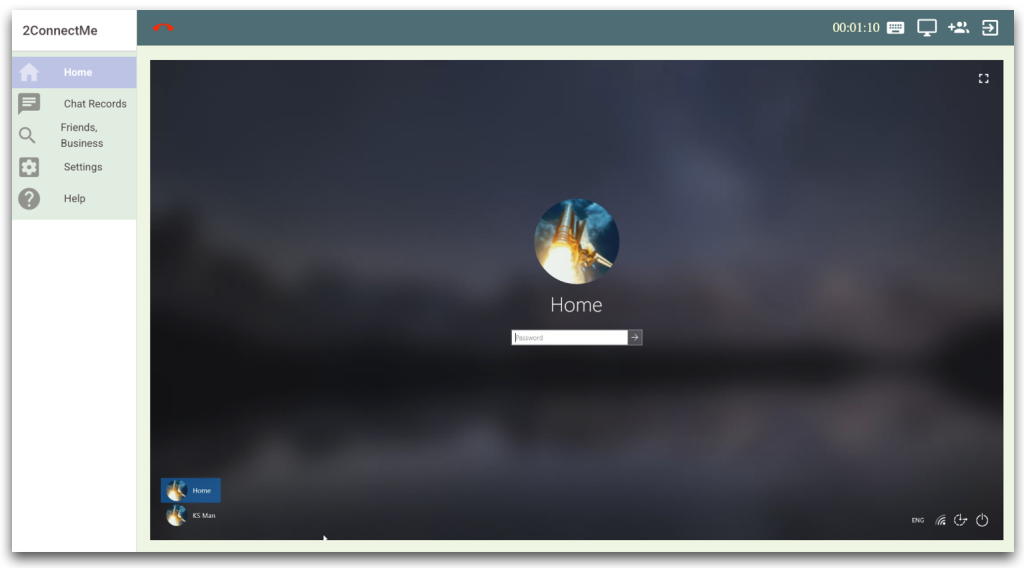
2ConnectMe Paid Video Consult app controls remotely Lock Screen of client PC@Windows
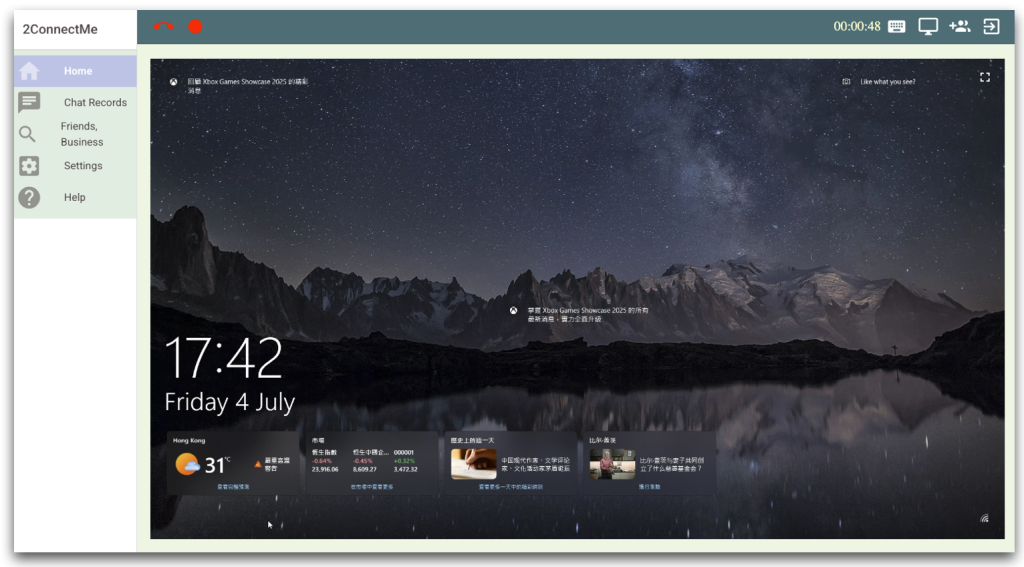
2ConnectMe Paid Video Consult app controls remotely User Account Control (UAC) prompts of client PC@Windows
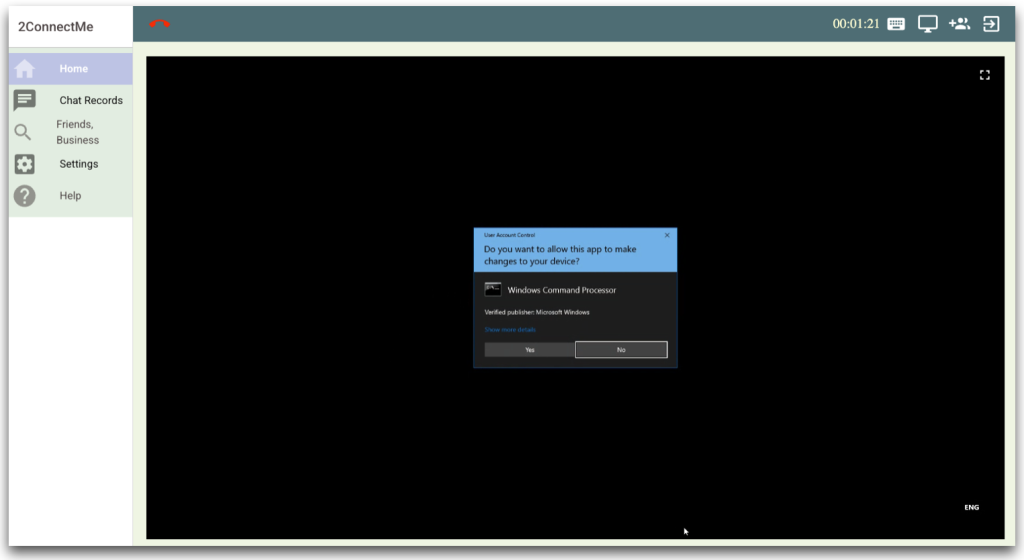
2ConnectMe Paid Video Consult app controls remotely User Login Screen of client PC@Mac
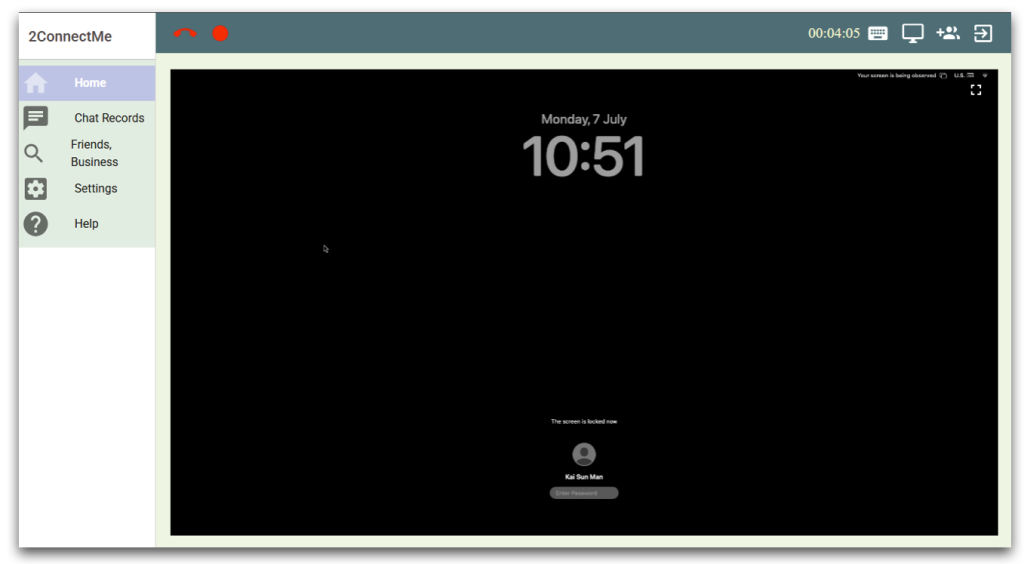
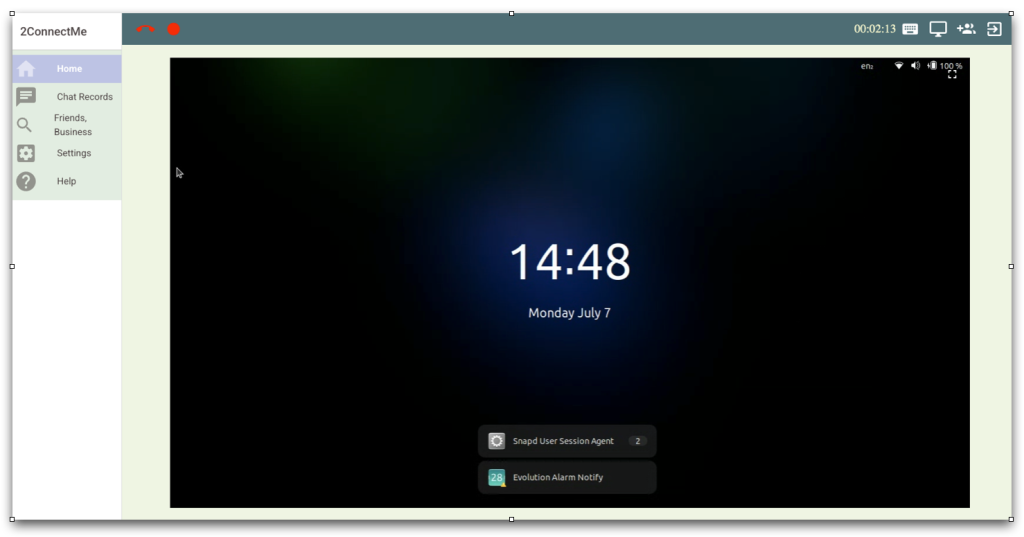
ConnectMe Paid Video Consult app controls remotely User Login Screen of client Ubuntu
Enhance Quality Assurance with Built-in Screen & Voice Recording
The ConnectMe Paid Video Consult app goes beyond live support by offering integrated screen video and voice recording—an essential tool for contact centers and Managed Service Providers (MSPs) focused on service excellence, training, and compliance. Every remote session can be captured for quality control, dispute resolution, or agent coaching, ensuring your team delivers consistent, professional support.
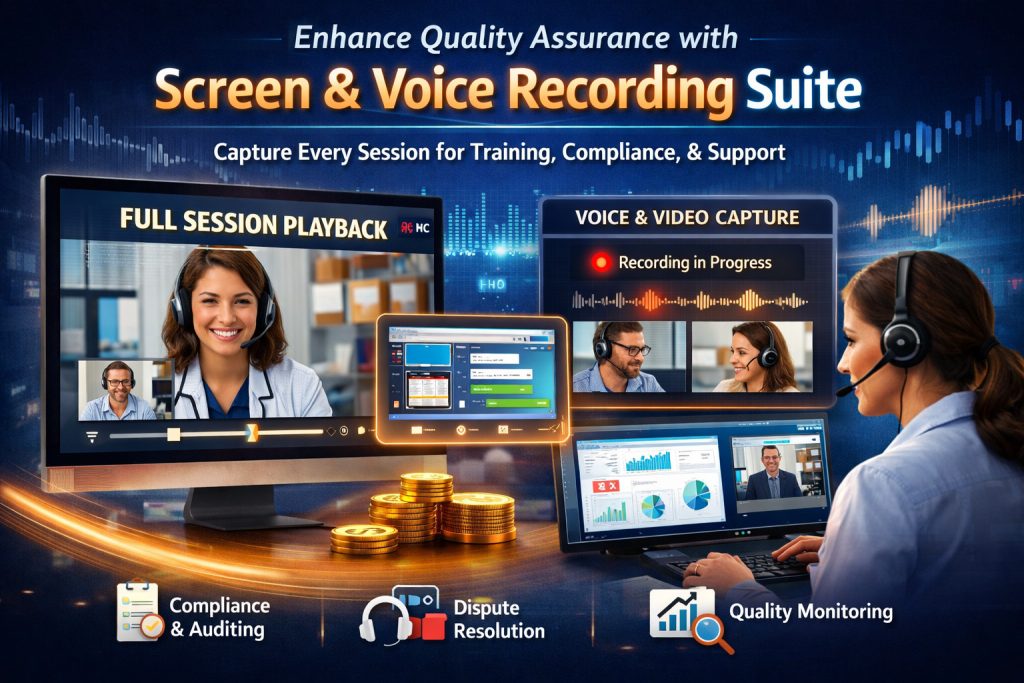
🎥 Full Session Playback
Record screen activity, voice calls, and remote control actions in high definition.
Perfect for auditing, training, and compliance (e.g., HIPAA, GDPR).
📢 Voice & Video Capture
Preserve customer-agent conversations for accuracy and transparency.
Resolve disputes with evidence-based insights.
📊 Quality Monitoring Made Easy
Supervisors can review recordings to evaluate agent performance, identify best practices, and provide targeted feedback.
Use real examples for onboarding and continuous training.
“Recording sessions helped us reduce training time by 30% and improve customer satisfaction scores.”
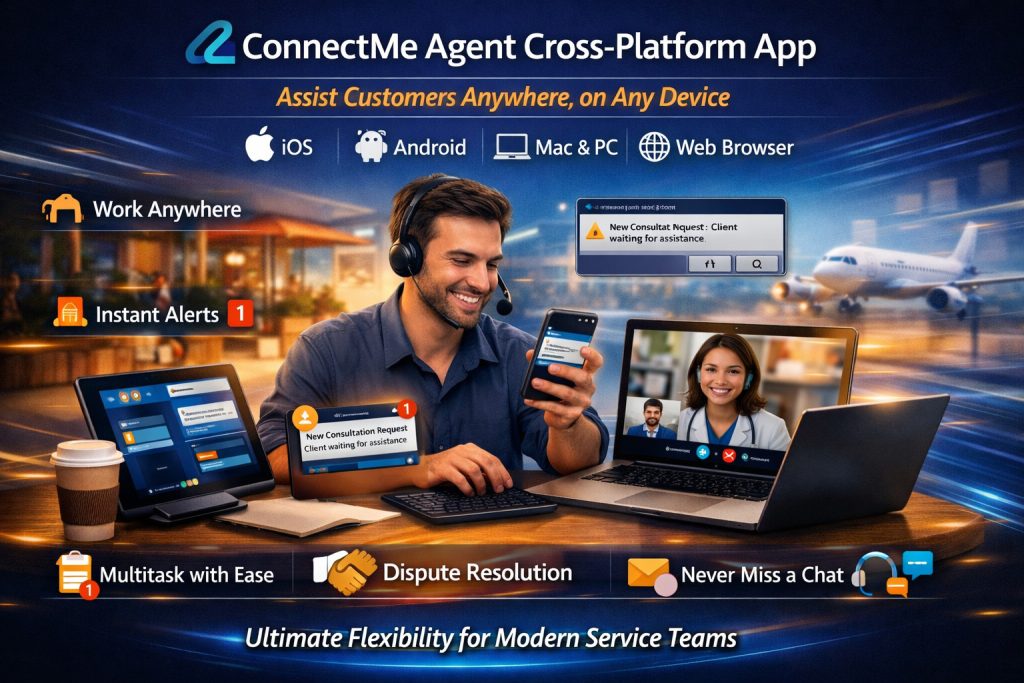
Ultimate Flexibility for Service Staff with 2ConnectMe Paid Video Consult Cross-Platform App
The 2ConnectMe Paid Video Consult app redefines remote support by letting your team assist customers from anywhere, on any device—whether on a browser, mobile, or desktop. With cross-platform availability and real-time notifications, agents are no longer tied to a desk, boosting productivity and work-life balance.
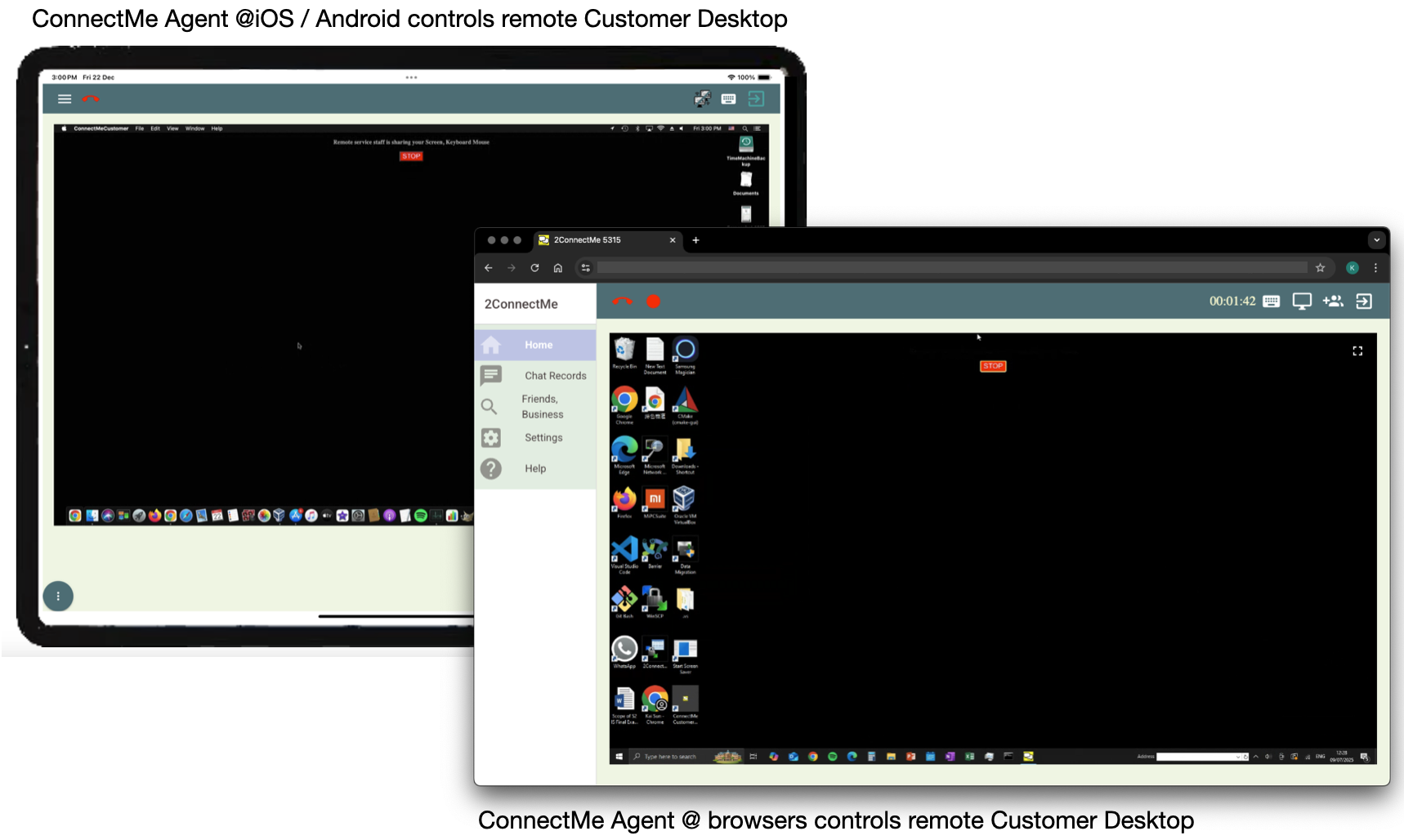
ConnectMe Paid Video Consult app on Mobile Devices and Browsers controlling remote customer desktop (macOS)
Work Anywhere, Anytime
Support customers directly from your iOS, Android, Mac, or Windows device, or via any web browser.
Instant Mobile Notifications
Get alerted about new customer requests on your phone, so you’re always reachable—even away from your desk.
Freedom to Multitask
No need to sit idle waiting for chats; handle other tasks and respond instantly when a customer needs help.
Seamless Cross-Platform Control
Start a session on your PC, continue on your tablet, or resolve issues on the go—all without interruption.
No Missed Chats
Push notifications ensure quick response times, improving customer satisfaction.
Enterprise-Ready Accessibility
Perfect for remote teams, Managed Service Providers, and IT helpdesks that need 24/7 support flexibility.
Precision at Your Fingertips – Full Mouse Control via Mobile Gestures
The ConnectMe Paid Video Consult app redefines mobile remote support with intuitive touch gestures that replicate full desktop mouse functionality on Android and iOS. Whether you need to click, scroll, drag, or zoom, our app gives you the same precision as a physical mouse—right from your smartphone or tablet on iOS or Android.

Remote Typing with Ease – Even on Mobile – with ConnectMe Soft Keyboard
The 2ConnectMe Paid Video Consult app goes beyond basic remote control by integrating a built-in soft keyboard, allowing support staff to type seamlessly on a customer’s PC—even when using a mobile device. No more struggling with tiny touchscreen keyboards or switching devices just to send a quick reply.
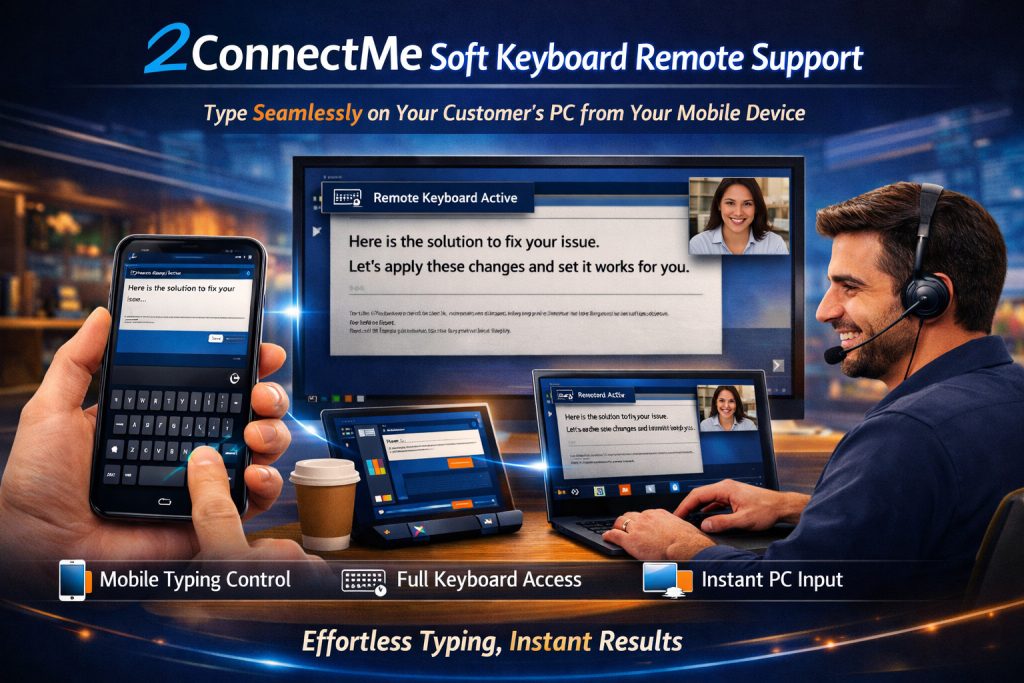
Soft-keyboard on service staff app enables direct typing on client customer keyboard

Seamless Keyboard & Mouse Control – Work Naturally on Remote PCs
The 2ConnectMe Paid Video Consult app eliminates the friction of traditional remote support by empowering service staff to type and control remote client PCs as if they were sitting right in front of them. With direct keyboard passthrough and real-time mouse synchronization, agents can work faster and more intuitively—no extra clicks or mode switches required.
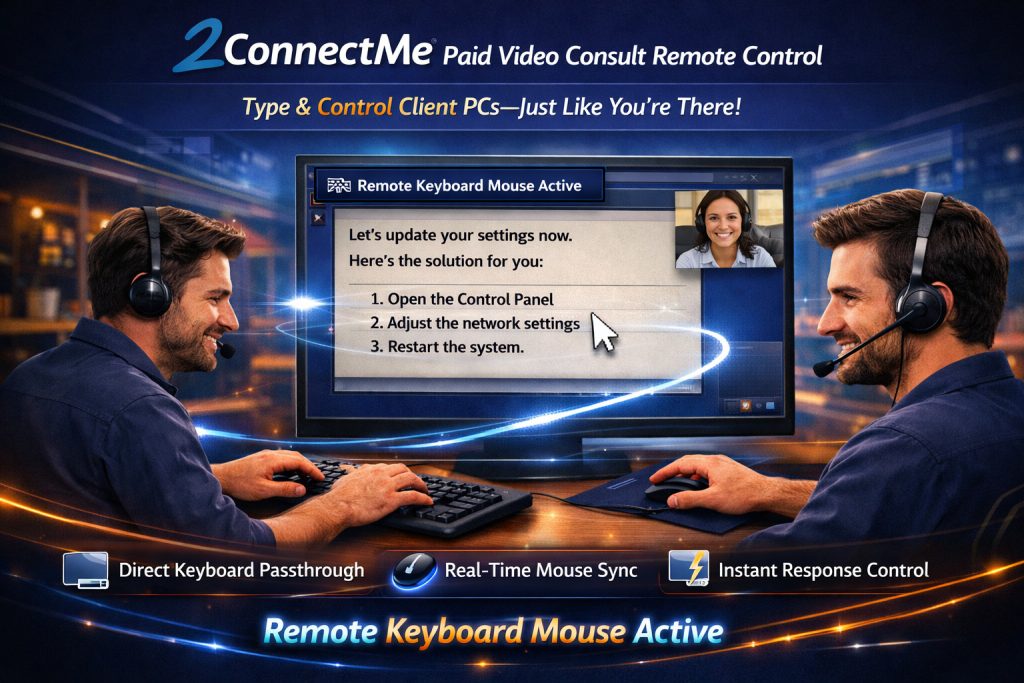
Service staff local keyboard mouse controls the remote client customer keyboard mouse

Effortless Multi-Monitor Remote Support with ConnectMe Video Consult Guest app
With 2ConnectMe Video Consult Guest app installed on your client PC, it empowers your service team to seamlessly assist your remote clients—even those using multiple monitors. No more disorienting screen swaps or missed troubleshooting areas; our solution ensures full visibility and control across all displays for faster, frustration-free resolutions.
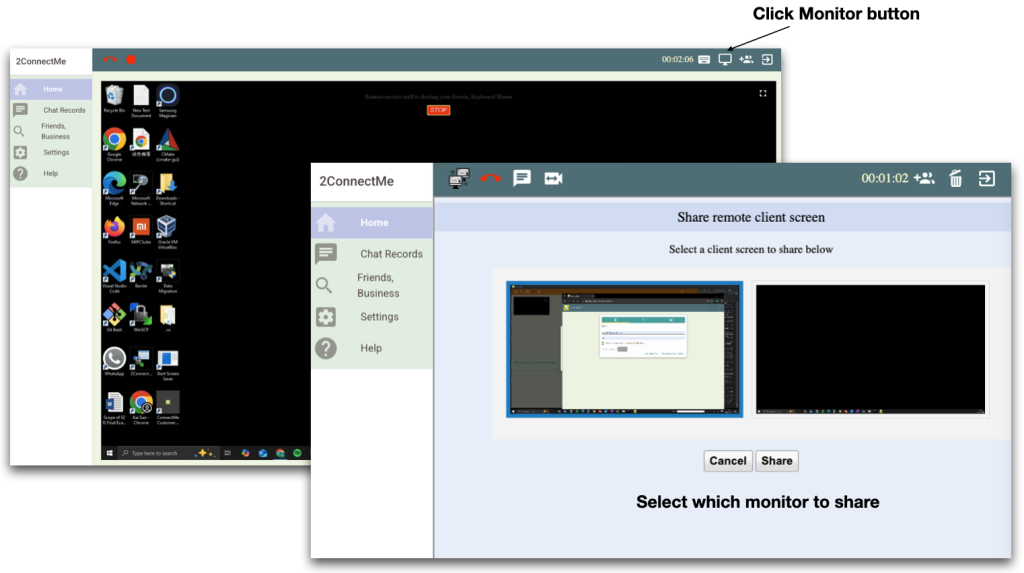
Monetize Support Services with Automated Billing & Fee Collection
The 2ConnectMe Platform doesn’t just streamline support—it turns your service team into a revenue generator. With built-in fee calculation and payment collection, businesses can now charge for premium support sessions—whether by duration-based billing or manual fee requests—directly within the chat workflow.
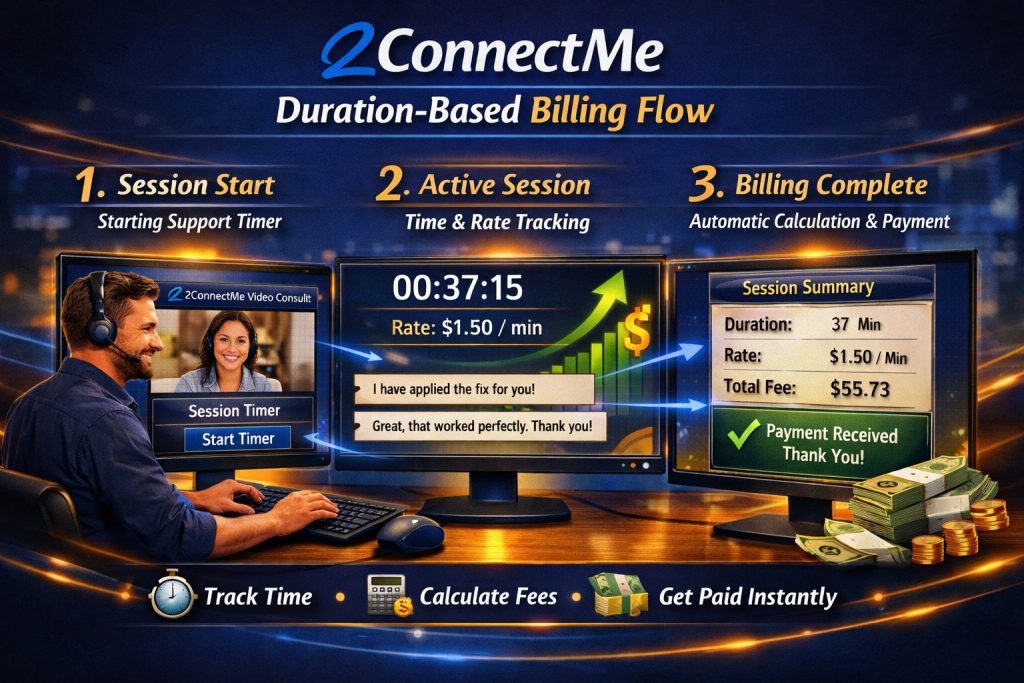
Never Miss Any Revenue Process Flow
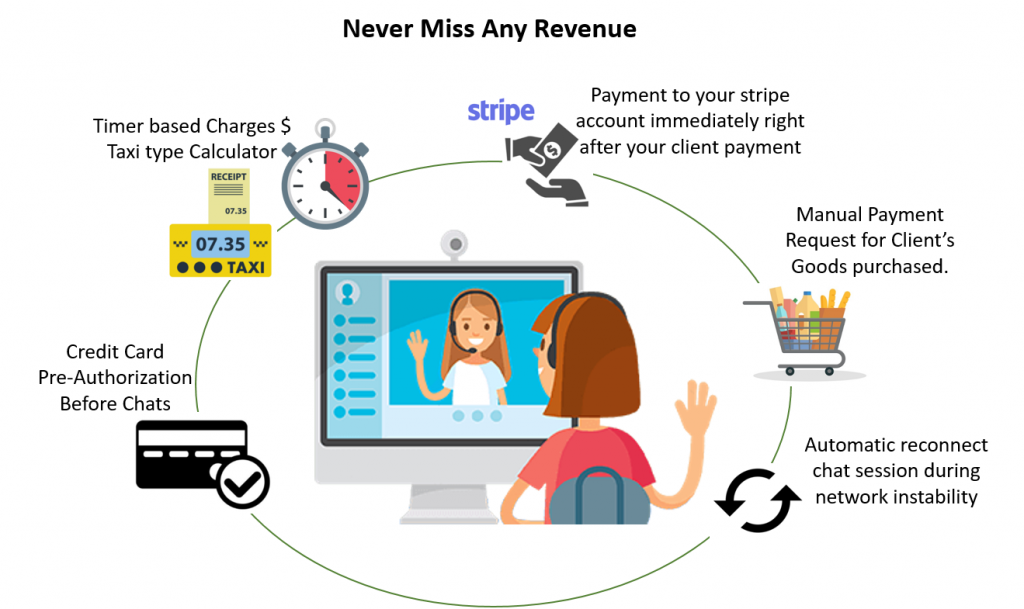
💰 Automated Time-Based Billing
Fees are calculated in real-time based on chat duration (e.g., $X per minute).
Ideal for consultations, priority support, or after-hours services.
💳 Flexible Payment Triggers
Request payment upfront (pre-pay) or at the end of a session (post-service).
📊 Transparent Cost Tracking
Customers see a live cost counter during the session (optional).
🔄 Seamless Payment Integration
Works with Stripe.
No manual invoicing—collect fees instantly within the chat.
“With 2ConnectMe’s on the fly billing tools, our IT team now covers its own costs—and generates 20% profit.”
All-in-One IT Support Hub – The Contact Center Managed Service Providers (MSPs) Love
The 2ConnectMe Platform revolutionizes IT support with its native contact center—built directly into the ConnectMe Customer App. No more juggling between apps or complex ticket systems. With just one click on the “Help” button, customers instantly connect to your team for text, voice, video chat, and secure remote control—all in a single, seamless workflow.
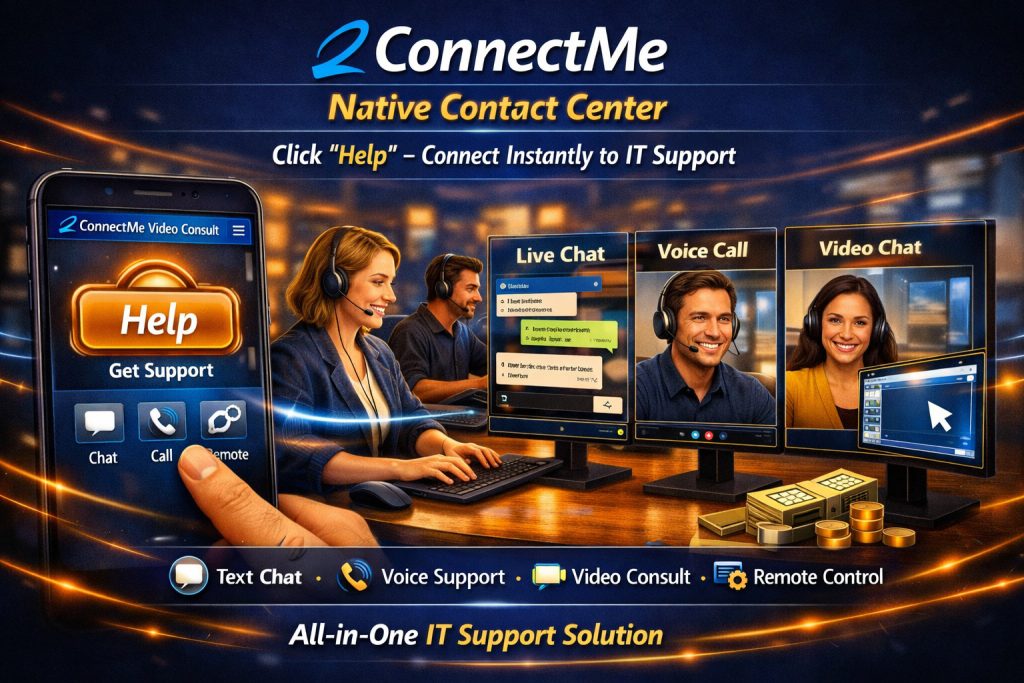
Service staff agent controls remote customer desktop while live chat with video chat

🚀 One-Click Help Desk Access
Customers request support in seconds, reducing frustration and downtime.
💬 Omnichannel Communication
Resolve issues via chat, voice, or video—whichever fits the scenario.
🖥️ Instant Remote Control
Troubleshoot problems in real time without switching apps or sharing links.
📊 Boost Efficiency
Eliminate redundant steps (e.g., manual screen-sharing setups).
🔒 Enterprise-Grade Security
End-to-end encryption for all interactions and remote sessions.
“The ‘Help Button’ alone cut our ticket resolution time by 40%.”
Designed for Large Enterprise and Quick Start for Founders
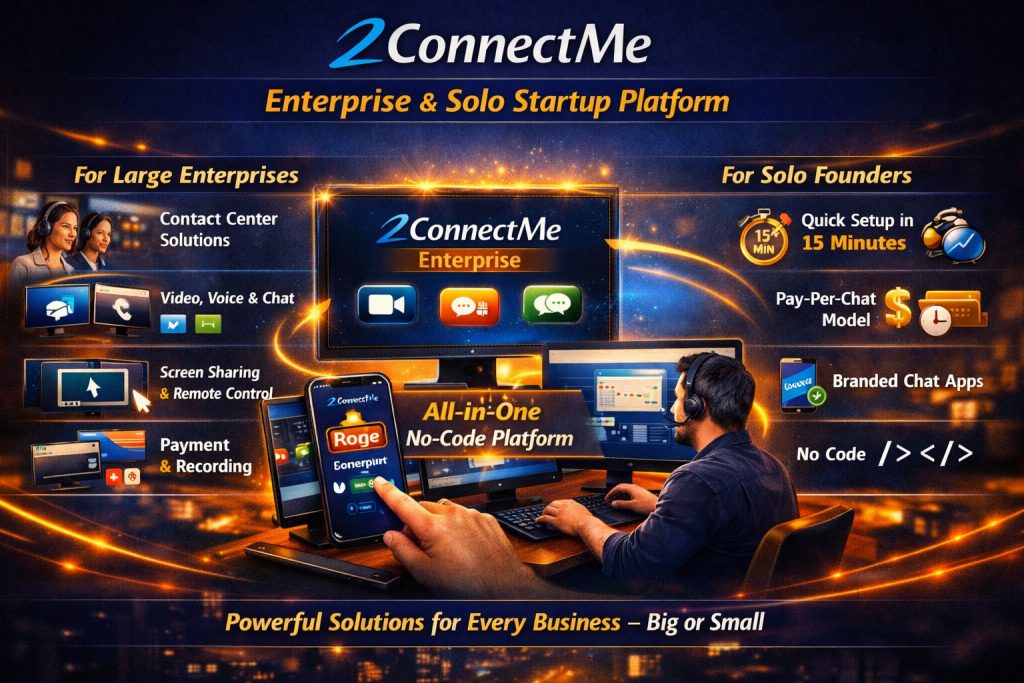
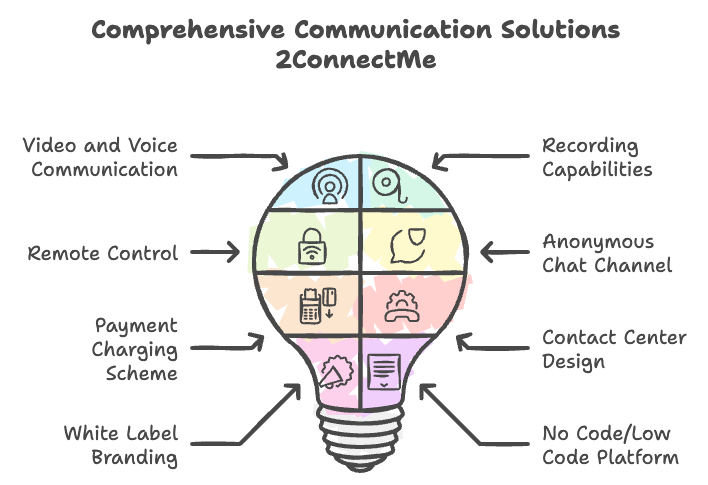
Soluton maps of 2ConnectMe Communication Suite
2ConnectMe is deisgned for large enterprise all-in-one, No-Code platform designed for businesses that provide expert services via video, voice, and chat.
Enterprise solution offers completely flexibility to all the business needs such as,
- new customer contact channel for instant anonymous chat,
- video, voice, chat, screen sharing, co-browse,
- recording video voice chat conversaton,
- remote control customer keyboard mouse,
- customer payment charging scheme based on chat duration,
- designed for large scale contact center with agent group skills based chat distribution,
- white label branding builds your own chat app with your business name on your finger tips.
- NO CODE / LOW CODE platform to build chat app solution for all businesses.
14 days Free Trial, No Credit Card, No Committment!
Forever Free Plan
Forever Free Plan is activated by default after successful registration. It comes with with limited duration 40 mins for each chat session.
Or whenever you have live chat with revenue charges incurred, such chat will be activated AUTOMATICALLY with full functions without restriction even only with Forever Free Plan.
Professional User Plan
For full functional chat without revenue charges, subscribe our Professional User Plan (US$ 10 / month) with 14 days free trial, No Credit Card, No Committment! Card payment information is required to continue our service after 14 days or it goes back to Forever Free Plan.